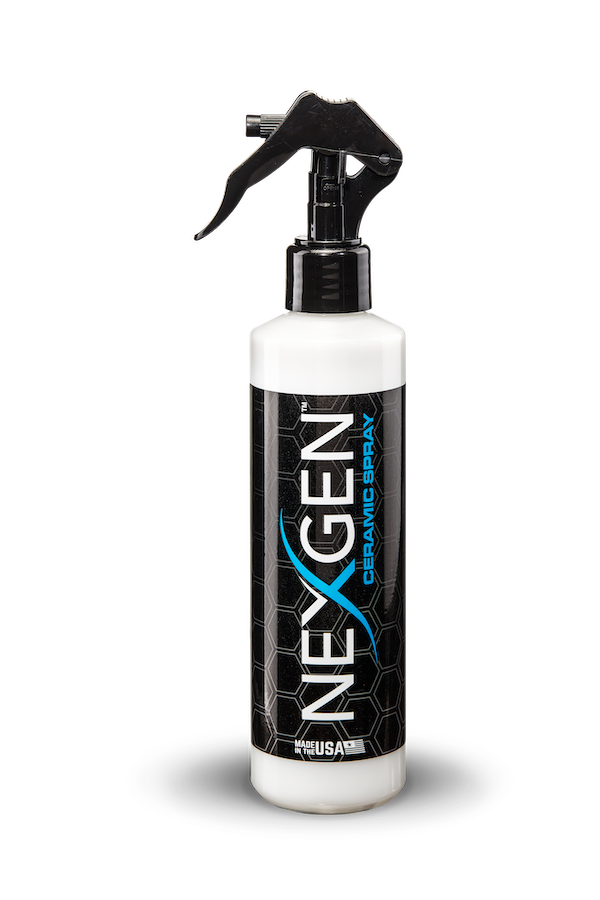
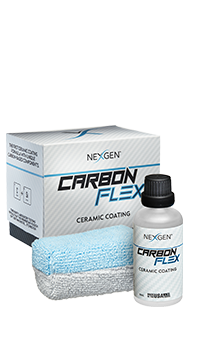
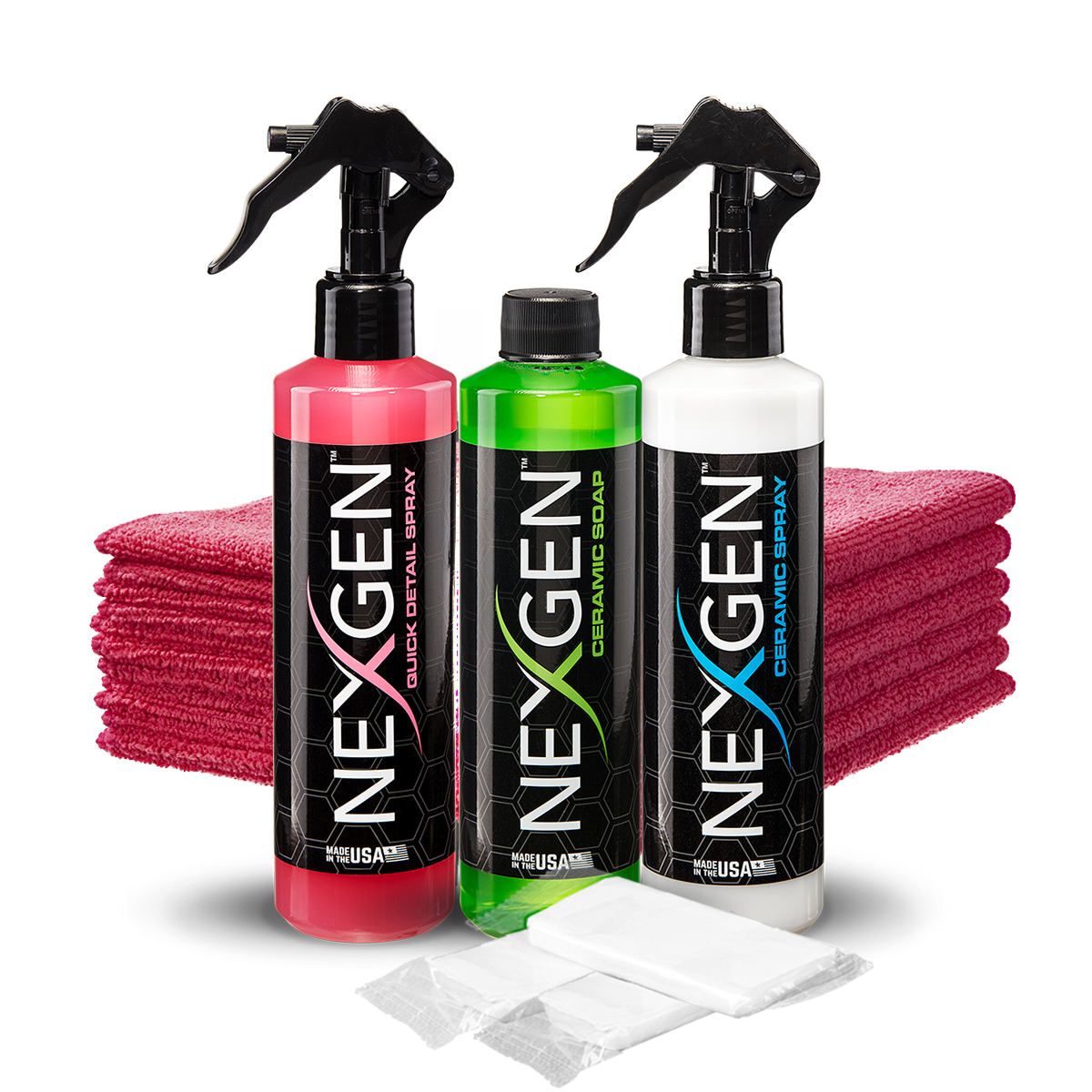
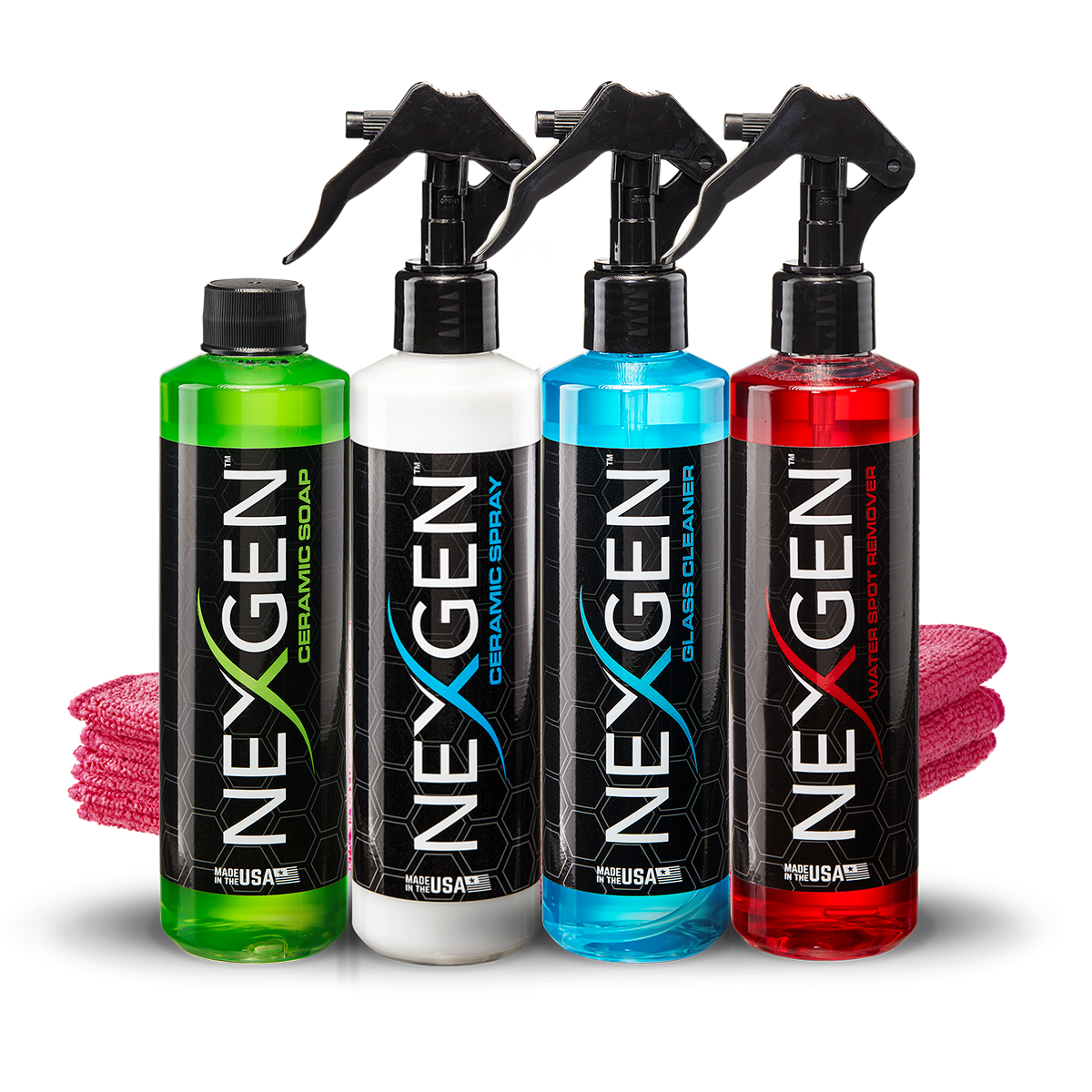
EV Detailing: Screen and Charging Port Care GuideNovember 2026 EV Detailing: Screen and Charging Port Care Guide Electric vehicles put two surfaces in front of you that most gas-car detailing routines never covered: a big, coated touchscreen and a charge port that carries serious current. Both are easy to damage with the wrong product, and neither is covered by the usual "spray and wipe" habits. This guide pulls together manufacturer guidance and owner-community experience, as analyzed by Nexgen Detailing. We didn't run lab tests. We read Tesla's published cleaning guidance and the advice of EV owners and device-care sources, then boiled it into a routine you can follow. Your owner's manual always has the final word for your exact model and year. Why EV screens and charge ports need their own routine A modern EV touchscreen is more than glass. Most carry an anti-glare or oleophobic (fingerprint-resistant) coating that gives the screen its look and feel. Harsh chemicals and heavy pressure wear that coating down, and it doesn't grow back. The charge port is a different problem. It holds electrical contacts, so the rules are about moisture, power state, and gentle tools. Cleaning it like a wheel well is how people end up with a service bill. Surface Safe tools Avoid Frequency Touchscreen Clean, dry, lint-free display cloth; lightly dampened second cloth Glass cleaner, wet wipes, sprays, heavy pressure As needed, weekly for high-touch cars Instrument display Same as touchscreen Same as touchscreen As needed Charge port (exterior and door) Soft cloth, soft detailing brush Pressure washer aimed at the port Every wash Charge port (inside) Short bursts of air from a distance, dry cotton swab Water, soaking, cleaning while plugged in or charging Only when you see debris Part 1: How to clean an EV touchscreen What the manufacturer actually says Tesla's guidance for its screens is consistent. Use a soft, lint-free cloth designed for monitors and displays. Skip glass cleaner, alcohol-based gels, and wet wipes. Tesla also warns against dry cloths that build static, and that includes microfiber that was just washed. Its regional cleaning tips say to avoid soap and chemical solutions on the touchscreen and interior lighting. Tesla also notes that its warranty doesn't cover damage from cleaning products or tools its manual doesn't recommend. Other brands differ in the details, especially on alcohol, so check your manual. The principles below hold across almost every source we read. Step-by-step Turn on the car's screen-clean mode if it has one. Tesla offers "Screen Clean Mode," which locks out touch input so you don't change settings mid-wipe. If your car has an equivalent, use it. If not, power the display down. Start dry. Use a clean, dry, lint-free cloth made for displays. Wipe in one direction with light pressure. Most fingerprints and dust lift without any liquid. Only add moisture if you need it. For stubborn spots, lightly dampen a second clean cloth with distilled water. Never spray anything directly on the screen, because liquid can run into the bezel and seams. Wring it out. The cloth should be barely damp, not wet. Dry-buff the leftover moisture with the first cloth. Skip heavy pressure. Pressing hard compresses and can fracture the coating, even with a soft cloth. The alcohol question You'll see advice online to use diluted isopropyl alcohol on screens. The sources we read say to keep it low strength (around 70% or less, diluted) and to apply it to the cloth, never the screen. They also warn that strong alcohol can dry out or crack coatings. Because Tesla specifically lists alcohol-based products as ones to avoid, our recommendation is simple: use water first, and consult your manual before using any alcohol on your car's display. Mistakes to avoid Glass cleaner on the display. Ammonia and alkaline cleaners are rough on anti-glare coatings. Keep your glass cleaner for the windshield and windows. Interior sprays near the screen. Overspray from a dash dressing or interior cleaner leaves haze on the display that's hard to remove. Spray onto your towel and work away from the screen, or mask it. A rough or dirty towel. A single grain of grit dragged across the surface leaves a scratch. Use a dedicated cloth for the screen and keep it in a sealed bag. Paper towels and tissue. They shed fibers and can scratch. If you're building out a proper interior kit, the Nexgen accessories collection is a good place to start for soft, purpose-built towels and brushes. For a bigger-picture routine, our beginner's guide to car detailing covers how to set up the rest of the interior. Part 2: Charging port care The golden rules Before touching the port, follow these: Power down first. Never clean the port while the car is charging or the connector is plugged in. Start with the cable unplugged and the car not actively charging. Keep it dry. Owners who report good results tend to avoid water entirely and keep to dry tools. One Cybertruck owner described using an electrical-component cleaner with cotton swabs rather than rinsing the port. Go gentle. The goal is lifting loose debris, not scrubbing contacts. A safe cleaning routine Inspect with a flashlight. Look for leaves, grit, road salt, or insects. Debris you can see is the debris to remove. Remove loose dirt. Use a soft, dry detailing brush on the port door and surround. For the inside, short bursts of air from a distance are the approach recommended by home-charger maintenance guides. Hold the can or blower away so you aren't driving moisture or grit deeper. Spot-treat sticky residue sparingly. If grime clings, some sources suggest a cotton swab lightly dampened with high-percentage isopropyl alcohol on accessible areas only. Don't soak the swab. Because manufacturer guidance on this varies, treat it as a last resort and check your manual first. Wipe the exterior door and seal. Use a damp towel on the painted surround and door edge, then dry it. Debris here is what falls into the port next time. Close the door and check that it latches. A door that doesn't seal fully lets in water and dust, and owners note that cleaning only buys short-term relief if the door lets contamination in. When to stop and call a technician If you see bent pins, burn marks, corrosion, a melted look, or debris that sits deep and won't lift, stop. Sources across the board suggest service for anything beyond loose surface dirt. Charging that slows, stops, or throws errors after you clean the port is also a signal to call service rather than keep poking. Wash-day habits that protect the port Don't aim a pressure washer at the port door. Wash it with the same gentle contact method you use on the rest of the body. Keep winter salt off. After salty drives, rinse the exterior surround and dry it so crystals don't collect around the door. Treat the surround like paint. A coated, protected surface sheds dirt more easily. Our Nexgen detailing kits give you the wash, protection, and towel basics to keep the bodywork around the port clean and slick. Part 3: Keep the rest of the EV interior consistent EVs tend to have minimalist cabins with lots of glossy black plastic, piano-black trim, and large glass surfaces. These show fingerprints and dust, and they scratch easily. A few habits cover everything: Dedicated towels per task. One for the screen, one for plastics, one for glass. Don't cross-contaminate. Product on the towel, not the surface. This applies everywhere near electronics. Dust before you wipe. A soft brush clears vents and seams so you aren't dragging grit across glossy trim. Consider professional help for deep jobs. If you'd rather leave the heavy interior work to someone else, read why professional interior cleaning and detailing is worth it. For the exterior of your EV, Nexgen's ceramic spray and Carbon Flex are our go-to picks for slick, easy-to-clean paint. The high-SiO2 formula is designed for gloss and hydrophobic protection, which helps the paint around your charge port shed road film between washes. You can find the full range at getnexgen.com, on Amazon through Nexgen's official storefront, at O'Reilly Auto Parts, and at Walmart for select products. Quick FAQ Can I use a microfiber towel on my EV screen? Yes, if it's a clean, lint-free cloth designed for displays. Tesla specifically cautions against static-prone cloths, including freshly washed microfiber, so use a dedicated screen cloth and keep it clean. Is it safe to use glass cleaner on the touchscreen? No. Manufacturers such as Tesla list glass cleaner among products to avoid on the display. Use it on windows only. Can I wash my car with the charge port door open? Keep it closed during washing and don't aim high-pressure water at it. Dry the surround afterward. How often should I clean the charge port? Only when you see debris or when charging issues appear. Inspect it occasionally, and keep the exterior door area clean at every wash. The takeaway For EV screens: dry cloth first, distilled water if needed, no sprays, and light pressure. For charge ports: power down, keep it dry, use gentle tools, and call a technician if you see damage. Follow your manual where it differs from general advice, and keep a dedicated, clean towel for each job. Do that, and your EV's most expensive-to-replace surfaces will look good and work reliably for years. Back to blog